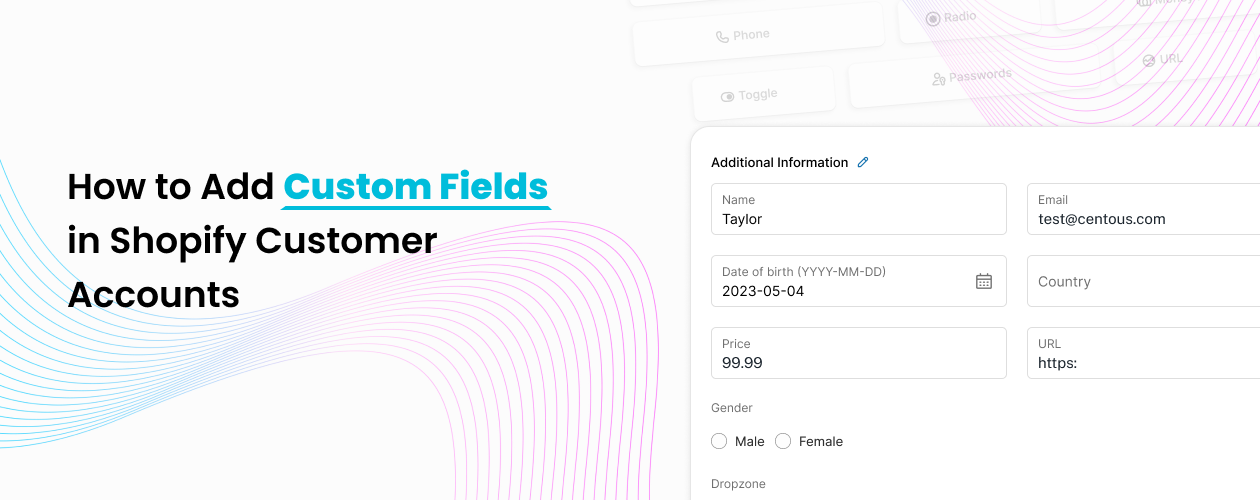
If you are running a serious Shopify store, at some point you realize that default customer accounts are not enough. You only get a name, email, phone, and address. But what about the GST number, company name, birthdate, VAT ID, or business type?
When you want to properly add custom fields to shopify customer account, you are not just adding extra inputs. You are building structure into your business. Whether you are a D2C brand or a B2B merchant, structured data collection is essential if you want to scale without operational chaos.
This guide explains what Shopify customer fields are, why they matter, and how you can implement them in a simple and practical way.
What Are Shopify Customer Fields?
Shopify customer fields are additional information fields that you add to a customer’s profile beyond Shopify’s default setup.
By default, Shopify allows basic details such as name and email. However, growing businesses often need more structured data. These additional details are called Shopify customer profile fields. They can include GST number, VAT ID, birthdate, company name, document uploads, dropdown selections, or even conditional fields for B2B buyers.
In simple terms, Shopify customer fields help you collect structured information directly inside the customer account instead of managing it through emails or spreadsheets.
For merchants who want to collect customer data in Shopify properly, this becomes foundational infrastructure.
Why Customer Fields Are Important for Normal Shopify Stores
Even if you are not running a wholesale or B2B business, adding custom fields inside the customer account has real value.
First, personalization becomes easier. According to research from HubSpot Research, most customers expect personalized experiences from brands. If you collect birthdates, preferences, or region-specific data, you can run better email campaigns and promotions.
Second, segmentation improves. When you collect structured data at registration, you can create better customer groups. Instead of sending one generic campaign to everyone, you can target based on specific profile data.
Third, you reduce support workload. If customers can update their own details inside their account, your team does not need to manually manage information changes.
If your store is growing beyond a few hundred customers, not having structured Shopify customer fields will eventually create friction.
Why Customer Fields Are Critical for B2B and Wholesale Stores
For B2B Shopify merchants, custom customer fields are not optional. They are operationally required.
B2B buyers usually need to provide a GST number, VAT ID, company registration details, or business licenses. If you do not collect this information during registration, your team will end up chasing customers over email. That slows down approvals and creates unnecessary back and forth.
If you are operating in India or Europe, tax compliance becomes even more important. Collecting GST or VAT details properly ensures clean invoicing and avoids accounting complications later.
When you add custom fields to shopify customer account properly, you can collect all required information upfront. You can also build approval workflows so that wholesale customers are activated only after verification.
For B2B merchants, structured Shopify customer profile fields reduce operational risk and improve onboarding speed.
How to Add Custom Fields in Shopify Customer Account
There are three practical ways to add custom fields in Shopify.
The first method is using Shopify’s native metafields. Technically, Shopify allows you to create customer metafields. However, displaying them properly inside customer accounts requires theme customization and development effort. For most merchants, this becomes complex and difficult to manage.
The second method is building a custom app or using Shopify Customer Account UI Extensions. This is suitable for Shopify Plus or highly technical teams. It provides flexibility but requires ongoing developer involvement.
The third and most practical option for growing brands is using a specialized app such as Accofy. In the Accofy – Customer Accounts, Fields module allows merchants to create unlimited Shopify customer fields without writing code. You can add text fields, dropdowns, date pickers, file uploads, and tax ID fields. You can also decide where the fields appear, such as on the registration page or inside the customer account dashboard.
For most scaling stores, using a structured app solution reduces technical debt and keeps your customer data organized.
What Happens If You Do Not Collect Customer Data Properly
Many merchants underestimate this problem until they face it.
If you do not collect customer data in Shopify in a structured way, you will deal with manual follow ups. Your finance team may request GST details after orders are placed. Your support team may need to update company names manually. Your marketing campaigns will lack precision because you only have basic email data.
According to McKinsey research, companies that effectively use customer data significantly outperform their peers in marketing efficiency. Structured data is not just about compliance. It directly impacts revenue and cost efficiency.
Ignoring Shopify customer fields today usually leads to operational complexity tomorrow.
Who Should Consider Adding Custom Customer Registration in Shopify
You should strongly consider this if you are running a wholesale or hybrid B2B store. You should also consider it if you operate in regions where tax identification numbers are required.
Growing D2C brands that want better personalization and segmentation should also implement Shopify customer fields early. Waiting until your database becomes large makes migration harder.
If you plan to scale beyond small monthly volumes, structured customer profile data will support your growth instead of limiting it.